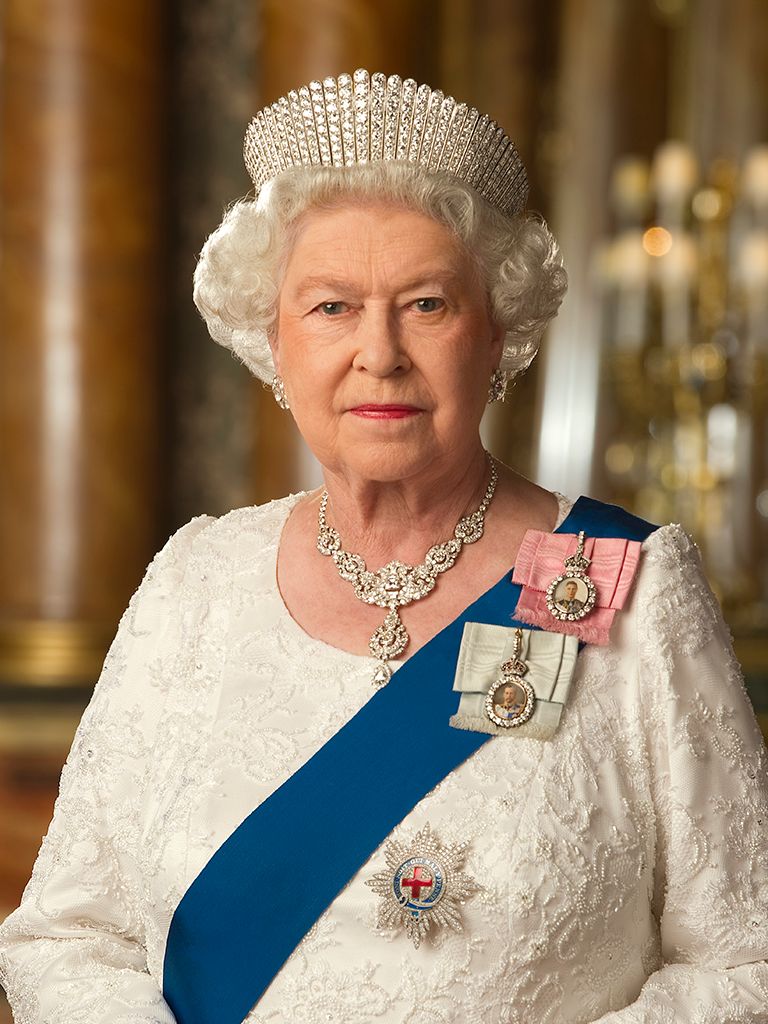
In the unfortunate event of the queen’s death you may find the following guidance useful.
- Right click on one of the images below
- Save Image as.
- log in to your website as administrator.
- from the dashboard visit the front end of your site (visit site).
- Open your home page.
- Click edit page.
- Put your cursor near the top of the page you are editing (we suggest just underneath key header line – Council name).
- Drag and drop your downloaded image into the page.
- Type in your text (or copy in as plain text).
- Add a link to the Buckingham Palace condolence book – found here: https://www.royal.uk/books-condolence
- Remove the right side bar under Layout – select ‘no sidebars’.
- Click update page.
- In 11 days time, remove the content you added.
- Don’t forget to add the Alt text for the image to describe the image.